
GIS Workstation Requirements That Fit Your Work
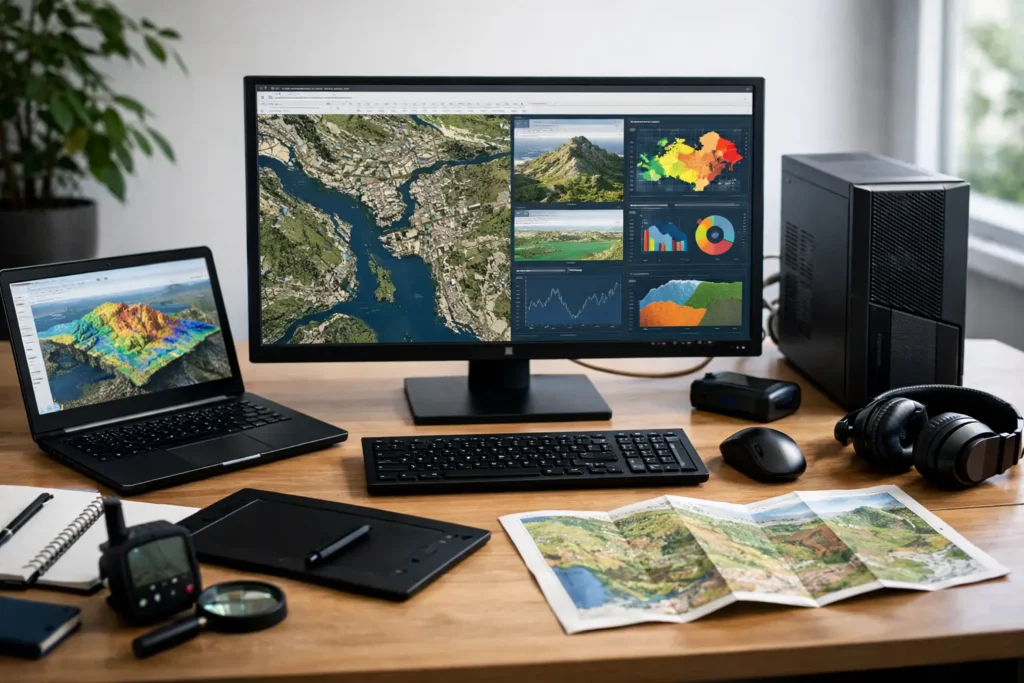
GIS workstation requirements vary by data, software, and deadlines. Learn how to choose the right CPU, GPU, RAM, storage, and support for reliable work.
CAD Workstation for Architects That Fits
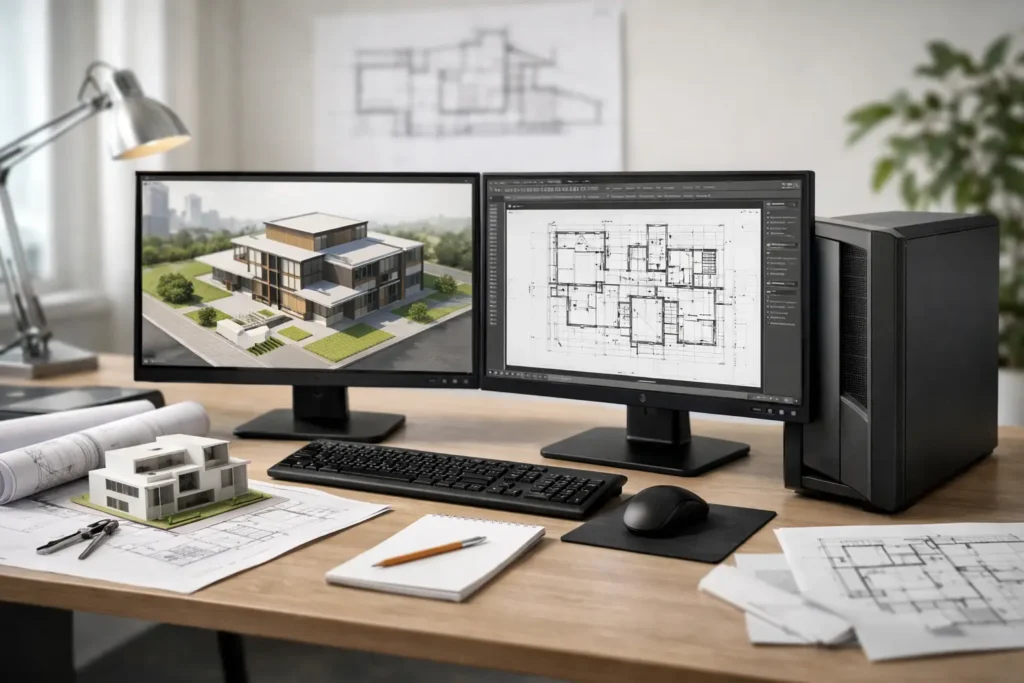
Choose a CAD workstation for architects based on modeling, rendering, BIM, and file demands. Learn which CPU, GPU, RAM, storage, and support fit well.
GPU Rendering Workstation Build That Fits
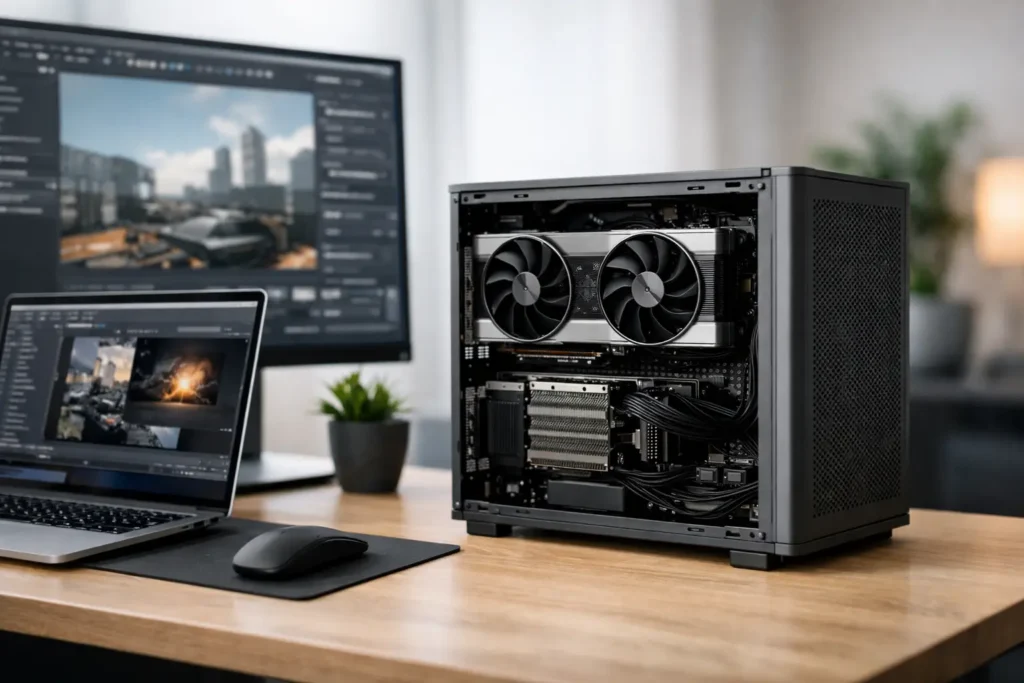
Plan a GPU rendering workstation build around your renderer, scenes, memory, storage, and reliability so production stays fast and predictable every day.
How to Choose the Right 3D Animation Workstation
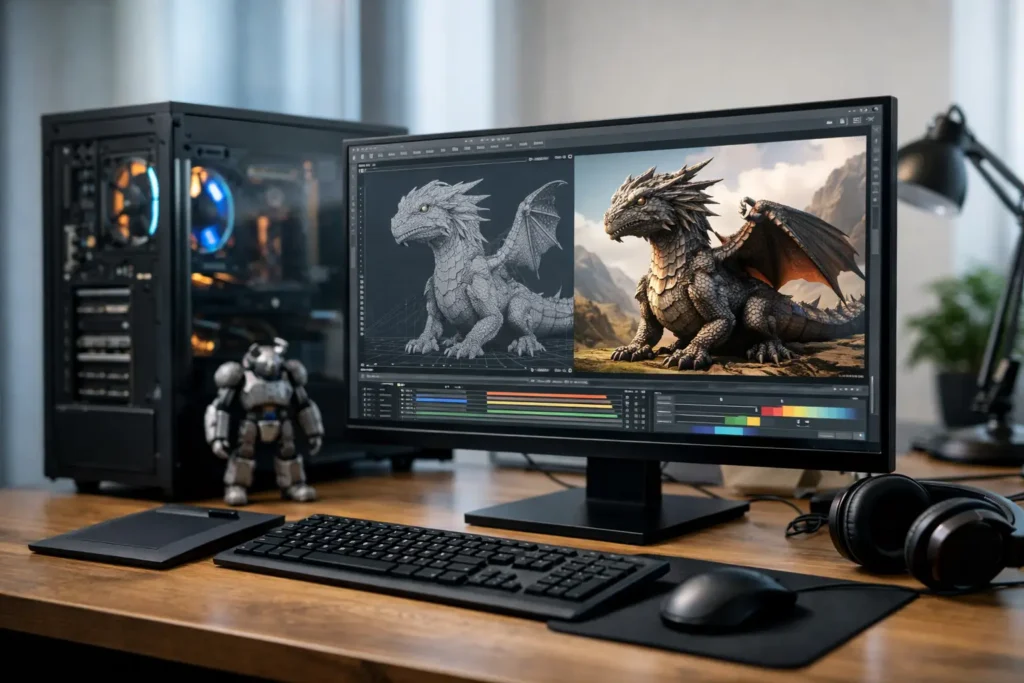
Choose a 3D animation workstation for your software, scenes, and render deadlines. Learn how CPU, GPU, RAM, storage, and support work together under daily pressure.
Best Computer for Motion Graphics in 2026
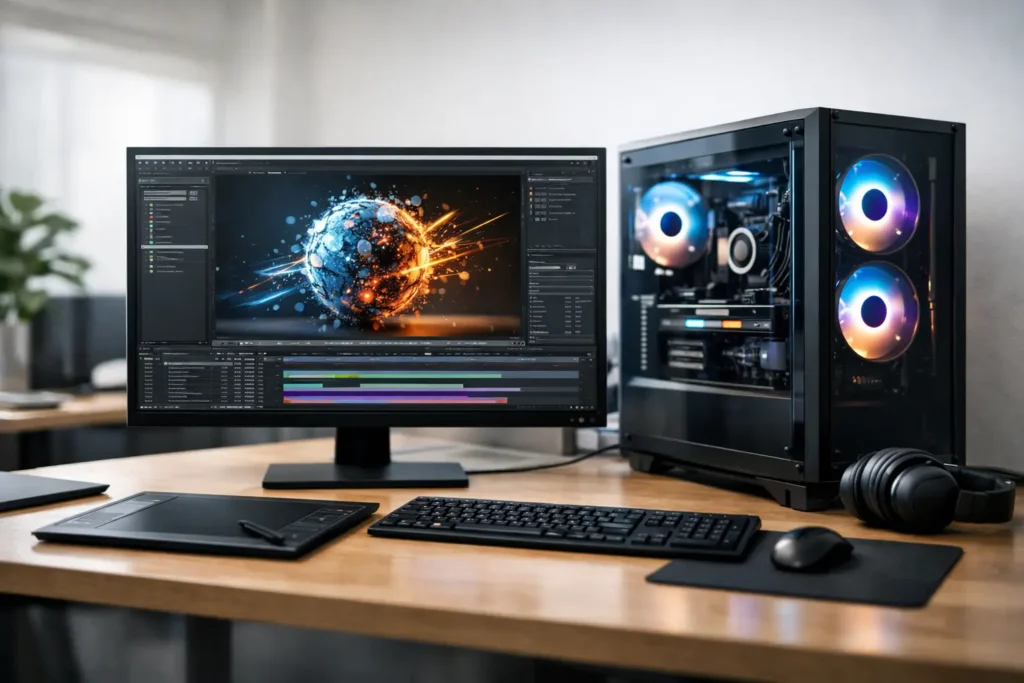
Find the best computer for motion graphics by matching CPU, GPU, memory, storage, and reliability to your After Effects, 3D, and rendering workflow today.
Build a Video Editing Workstation That Fits
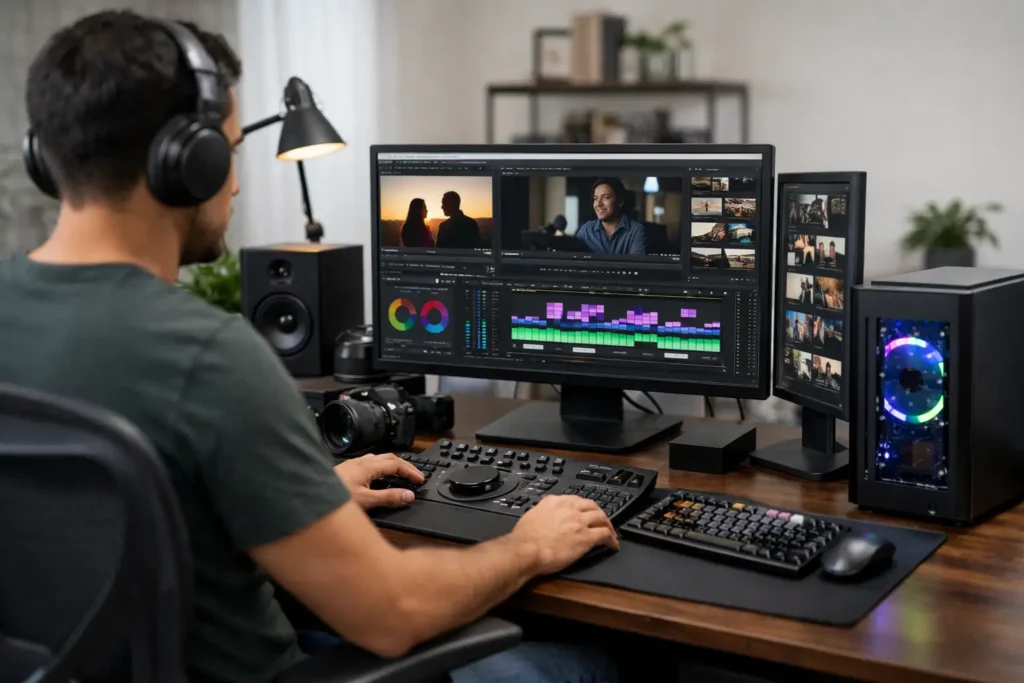
Choose a video editing workstation built for your footage, software, storage, and deadline, with practical guidance on the parts that truly matter most.
Best Computer for Photo Editing for Your Workflow
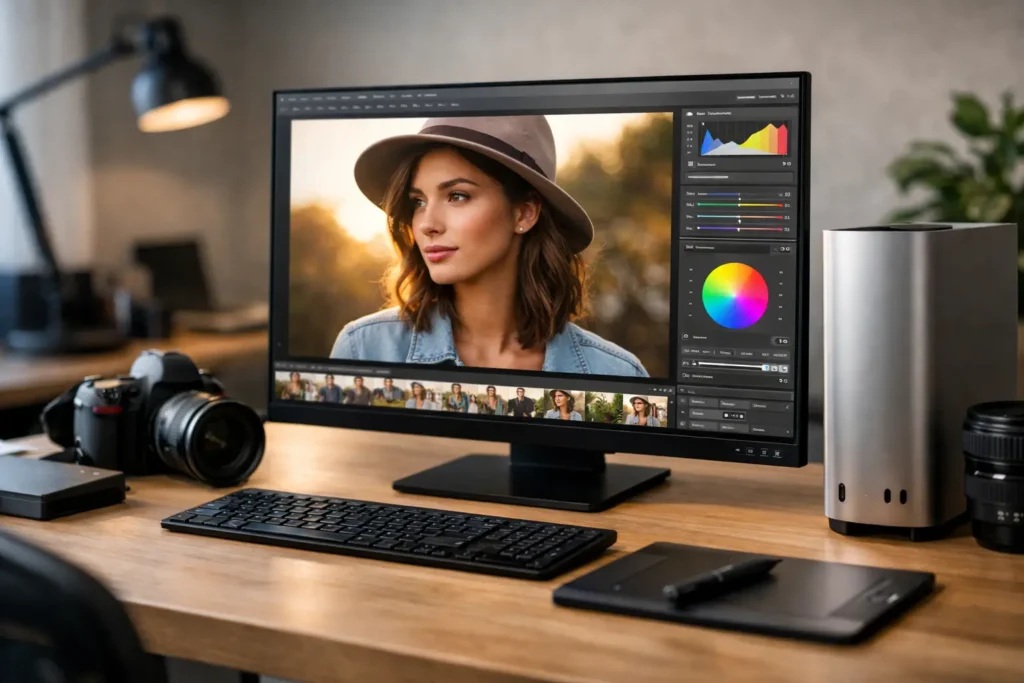
Find the best computer for photo editing by matching your software, image files, display needs, storage, and budget to a system built to last reliably.
Choosing a Computer for Live Video Production
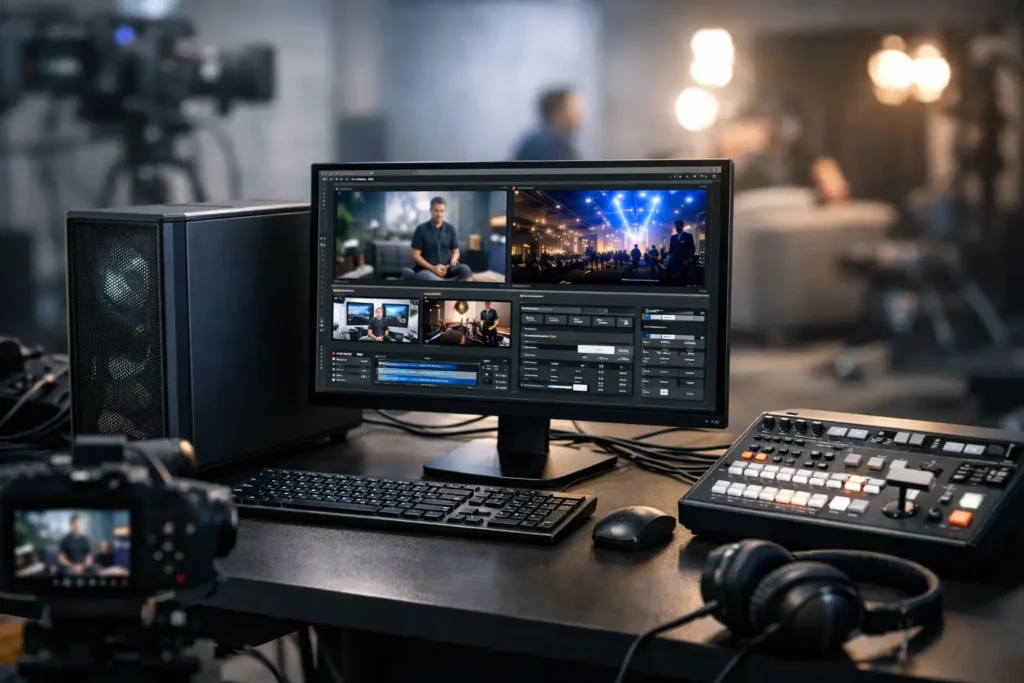
Choose a computer for live video production that stays responsive through switching, encoding, graphics, recording, and demanding live events reliably.
NAS Storage for Creative Teams and Growing Businesses
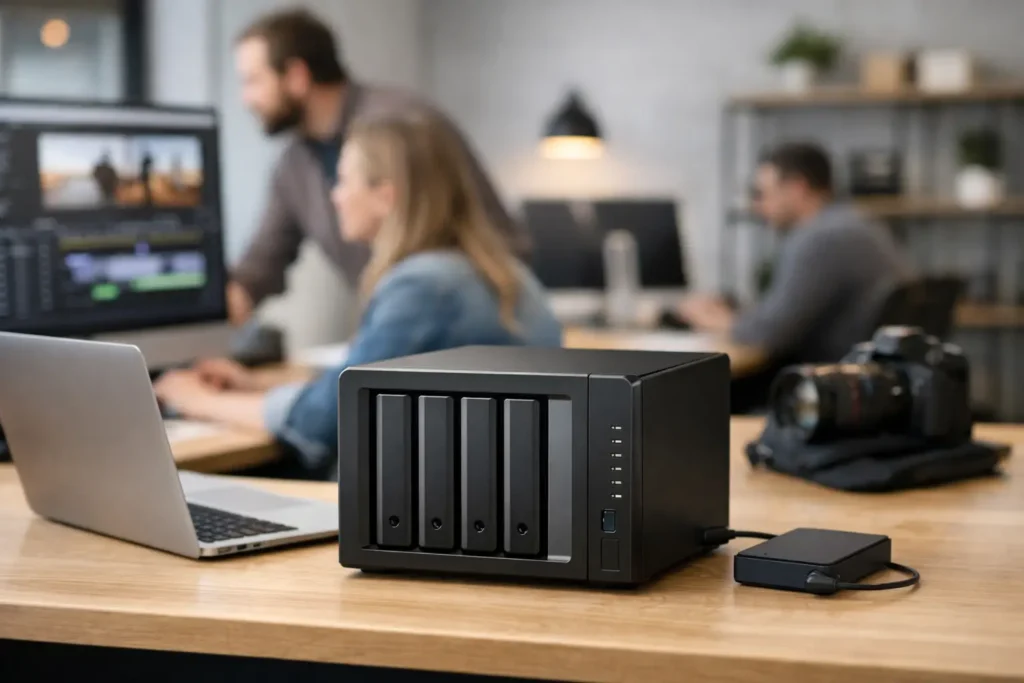
NAS storage gives creative teams and growing businesses fast shared files, dependable backup planning, and room to expand without workflow disruption.
How a Custom Workstation Fits Your Workflow
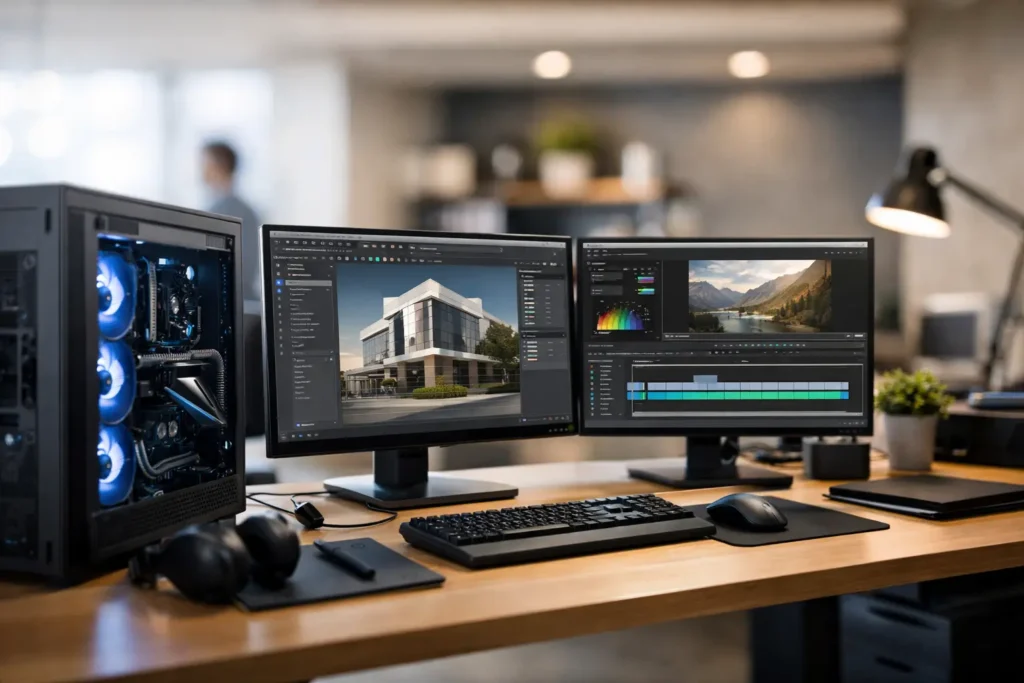
Learn how a custom workstation is designed around your software, data, and deadlines, with practical guidance for choosing performance that lasts longer.