
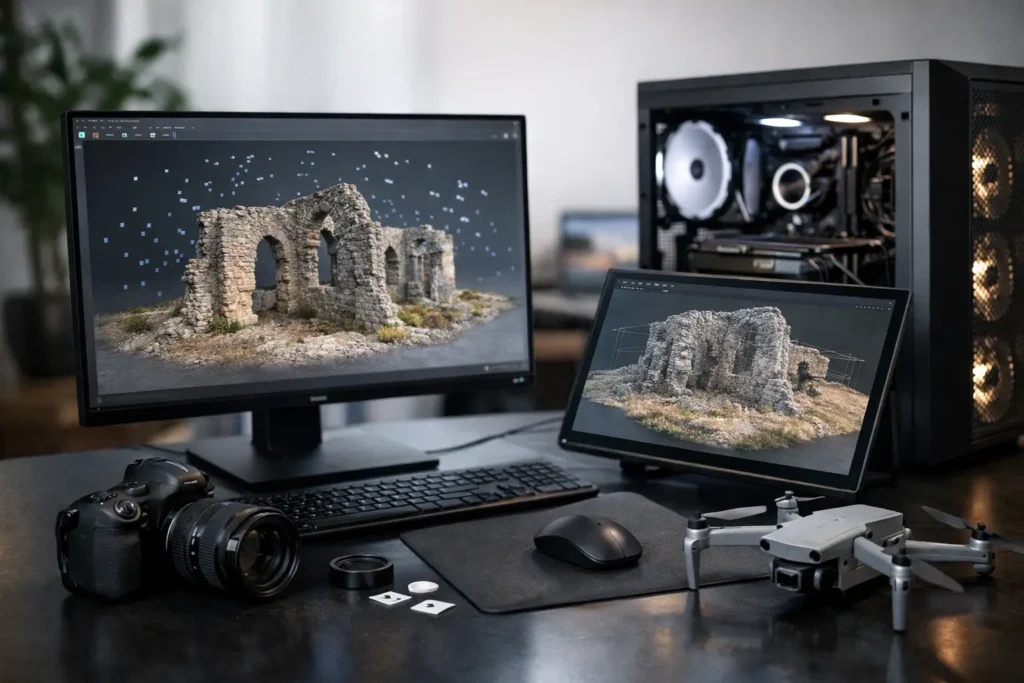
A photogrammetry project can look deceptively simple: import images, align cameras, build a model, and export the result. Then a few thousand high-resolution photos arrive from a drone survey, an inspection job, or a site capture, and the computer becomes the limiting factor. Understanding photogrammetry computer requirements means matching the system to image volume, sensor resolution, reconstruction software, output quality, and the deadline attached to the work.
The right machine is not necessarily the one with the longest specifications list. It is the one that processes your real projects predictably, leaves room for other work while a job runs, and handles the data safely from field capture through final delivery. No guessing, and no paying for hardware that your software cannot use.
Why Photogrammetry Workloads Are Demanding
Photogrammetry software does several very different kinds of work. It reads and organizes large image sets, identifies matching points between images, estimates camera positions, creates dense point clouds, builds meshes, generates textures, and may produce orthomosaics or digital elevation models. Each stage can stress a different part of the computer.
Image alignment and reconstruction often lean heavily on the processor. Dense cloud generation, depth maps, mesh processing, and certain acceleration features can put substantial work on the graphics card. Large projects need enough memory to keep data accessible, while fast storage determines how quickly thousands of source images and temporary files can be read and written.
That is why a gaming PC is not automatically a good photogrammetry workstation. A fast graphics card helps, but it cannot make up for inadequate RAM, a slow project drive, or a processor chosen for the wrong type of workload. Software behavior also varies. Agisoft Metashape, RealityCapture, Pix4D, DJI Terra, 3DF Zephyr, and similar applications do not all distribute work across CPU cores and GPUs in exactly the same way.
Photogrammetry Computer Requirements by Component
Processor: Speed Matters, but So Do Cores
For many photogrammetry workflows, a high-performance desktop processor is the foundation of the build. The best choice depends on whether your projects spend more time in lightly threaded stages, such as portions of alignment, or in heavily threaded stages that can use many CPU cores.
A capable modern 12- to 16-core processor is a sensible starting point for many professionals handling regular drone mapping, real estate capture, construction documentation, and object scanning. Larger survey, GIS, engineering, research, or production workloads may benefit from a workstation-class processor with more cores and greater memory capacity.
More cores are not always a straight-line upgrade. A processor with very high core counts can be worthwhile for long, concurrent processing jobs, but a lower-core CPU with stronger per-core performance may feel faster during interactive work. The practical question is not “What is the most expensive processor?” It is “Where does your software spend its time?”
Graphics Card: Choose for Compute, Not Just Display
The GPU can dramatically affect processing time in software that uses GPU acceleration well. It also matters for viewing dense point clouds, textured meshes, orthomosaics, and 3D scenes without lag.
For professional projects, prioritize a current NVIDIA GPU with ample video memory when your chosen application supports CUDA or benefits from NVIDIA acceleration. Eight to 12GB of VRAM may suit lighter projects, but 16GB or more is a safer target for larger image sets, high-resolution depth maps, demanding 3D visualization, and room to grow. Complex reconstructions can run into GPU memory limits before they run out of raw graphics horsepower.
A high-end GPU is not necessary for every user. If you process modest image sets occasionally, money may be better spent on system RAM and fast storage. On the other hand, a team running frequent large reconstructions may see a meaningful return from a stronger GPU because fewer processing hours can mean faster reports, deliveries, and field decisions.
Memory: The Component Most Often Underestimated
RAM is one of the most important photogrammetry computer requirements because reconstruction projects can expand far beyond the size of the original photo folder. The program needs room for image data, tie points, depth maps, point clouds, mesh data, textures, caches, and the operating system.
For smaller projects, 32GB can work. For serious professional use, 64GB is often the practical baseline. Projects involving hundreds or thousands of high-resolution images, large mapped areas, multispectral data, or simultaneous applications can call for 128GB, 256GB, or more.
Insufficient RAM does not always cause an obvious error message. Instead, the system begins relying heavily on the storage drive as temporary memory. Processing slows sharply, responsiveness suffers, and the risk of an interrupted job increases. It is usually smarter to install enough memory upfront than to wait for repeated slowdowns during billable work.
Storage: Separate Speed from Capacity
Photogrammetry creates a storage problem in two directions. You need fast access for active processing and substantial capacity for raw imagery, project files, exports, archives, and backups.
A strong workstation typically uses a fast NVMe solid-state drive for Windows, applications, and active photogrammetry projects. A second fast SSD dedicated to project data or cache files can reduce competition for disk activity during heavy processing. For extensive collections of drone imagery and completed deliverables, larger internal drives, NAS storage, or a managed archive system may be the better long-term answer.
Capacity planning deserves real attention. A project that starts as 300GB of source images can produce multiple intermediate files, exports, and revisions. Keeping only one copy on a local workstation is not a backup strategy. Your system design should account for working storage, protected storage, and a recovery plan if a drive fails or a project is accidentally changed.
Start With Your Project Size, Not a Generic Spec Sheet
A useful way to plan a system is to group your work by the largest normal project, not the smallest one you process this week. A photographer creating occasional small object models has different needs than a survey team processing 5,000 drone images after every field day.
For light photogrammetry, such as smaller object scans or limited drone captures, a current high-performance CPU, a capable NVIDIA GPU, 32GB to 64GB of RAM, and a 1TB or larger NVMe drive may be appropriate. This setup can be productive, but it may require careful project management as image counts rise.
For regular professional work, 64GB to 128GB of RAM, a higher-tier GPU with 16GB or more of VRAM, multiple NVMe drives, and a processor selected around the primary software are more realistic. This is where a well-balanced workstation begins to pay for itself in fewer bottlenecks.
For enterprise, research, GIS, and large-area mapping workflows, the discussion often moves beyond one desktop. High-memory workstations, more powerful GPUs, shared high-speed storage, backup infrastructure, and dedicated processing systems may make more sense. If several people need to access projects or process jobs, the network and storage architecture matter as much as the workstation itself.
Laptops Can Work, With Real Trade-Offs
A mobile workstation is valuable when projects must be reviewed or processed near the field. It can support inspections, construction progress documentation, emergency response, and travel-heavy capture work. However, laptop hardware operates within tighter thermal and power limits than a desktop.
A properly configured mobile workstation with a strong CPU, dedicated NVIDIA graphics, 64GB of RAM, and fast SSD storage can handle meaningful photogrammetry work. The trade-off is sustained performance. A desktop generally runs long reconstructions faster, holds more RAM and storage, and offers simpler upgrades.
For many teams, the best arrangement is a laptop for capture review and field coordination, paired with a desktop workstation or central processing system for the largest jobs. That approach avoids forcing one machine to compromise on both portability and throughput.
Reliability Is Part of Performance
A fast processing benchmark is not much comfort if the workstation crashes overnight, runs out of storage halfway through a reconstruction, or cannot be supported when a deadline is approaching. Professional photogrammetry systems should use quality power delivery, cooling designed for sustained workloads, compatible components, and a backup plan that fits the value of the data.
Testing also matters. Driver versions, GPU configuration, application settings, and storage layout can affect actual results. A machine should be validated around the software and files it will run, not simply powered on and shipped.
Sandia Computers takes that workflow-first approach because a useful recommendation begins with the work itself: the camera or drone platform, image count and resolution, software, expected deliverables, storage retention, and who needs access to the finished data. Those answers make the hardware decision much clearer.
Before buying, gather one representative project and identify how long each major processing stage takes on your current system. That baseline turns an intimidating component list into a practical conversation about where time is being lost and what a better-configured computer can realistically change.