
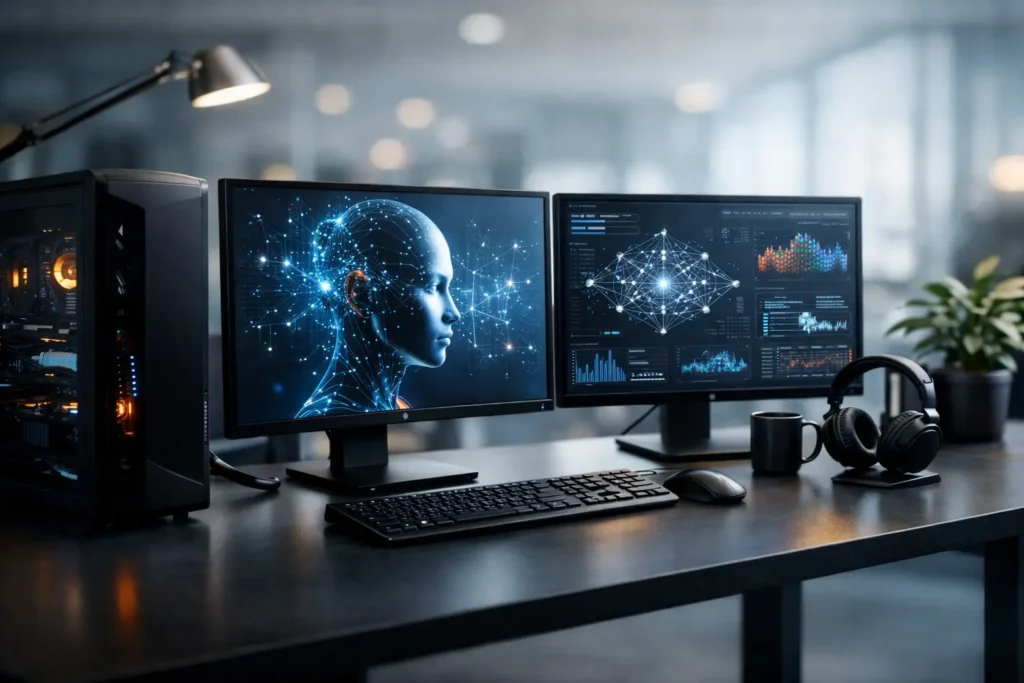
A model that fits comfortably on a developer laptop can become a different project once you add real training data, larger context windows, multiple users, or a deadline. An AI development workstation is not simply a powerful PC with a high-end graphics card. It is a system designed around the way your team develops, tests, fine-tunes, and deploys AI workloads.
The right configuration can shorten iteration cycles and keep sensitive data under your control. The wrong one can leave an expensive GPU waiting on system memory, storage, cooling, or an undersized power supply. No guessing is needed when the hardware decision begins with the work itself.
Start With the AI Workload, Not the Spec Sheet
AI development covers a wide range of tasks. A workstation for experimenting with local language models is different from one used to train computer vision models on large image sets. A team building retrieval-augmented generation tools may need more fast storage and system memory than raw GPU compute. A scientific research group may need error-correcting memory, specialized drivers, and long-running reliability.
Before choosing components, define what will actually run on the machine. Consider the models and frameworks your team uses, the size of the datasets, whether training happens locally, and how many people need access. Also consider whether the workstation will serve as a development box only or support inference, testing, and internal deployment.
These details determine where the real bottleneck will be. It depends on the workflow. There is no single “best” AI workstation because model architecture, data volume, budget, and turnaround expectations all matter.
Ask What Must Happen Locally
Local AI development makes sense when you need predictable access to compute, want to avoid recurring cloud costs for sustained work, or cannot send proprietary, regulated, or sensitive data to an outside platform. It also gives developers a practical way to test models and pipelines without waiting for shared cloud resources.
That does not mean every job belongs on a local workstation. Very large distributed training runs may still be better suited to a dedicated server cluster or cloud environment. Many organizations use a hybrid approach: local workstations for development, prototyping, fine-tuning, and validation, with larger infrastructure reserved for jobs that truly require it.
GPU Memory Sets the Practical Ceiling
For many AI workloads, the GPU is the center of the configuration. But it is not enough to compare GPU names or focus only on advertised processing speed. GPU memory, often called VRAM, determines how much model data can remain on the card at once. When VRAM is limited, you may need to use smaller batch sizes, lower-precision methods, model quantization, offloading, or smaller models.
Those techniques can be useful. They are not a substitute for having enough GPU memory for the work you plan to do. If a model barely fits today, it may become frustrating when the next experiment needs a larger context window, additional training data, or another concurrent process.
A single high-memory GPU is often the cleanest choice for an individual developer or a small team. Multiple GPUs can provide more compute and enable larger workloads, but they add cost, heat, power requirements, chassis constraints, and software complexity. Some workloads scale well across multiple GPUs. Others do not, or require careful configuration to produce the expected gains.
The best choice comes down to the largest model and workload you expect to run regularly, not the smallest test project you can run on day one.
CPU and System Memory Still Matter
It is easy to treat the CPU as secondary in AI development, but it handles far more than basic system tasks. The processor helps prepare data, manage storage activity, run preprocessing jobs, compile software, host containers, and support applications that may run alongside training or inference. A weak CPU can leave a powerful GPU underfed.
System memory is equally important. Large datasets, data caching, multiple development environments, virtual machines, and local databases can consume RAM quickly. If the system is constantly swapping data to storage because memory is full, response times suffer and workflow interruptions become routine.
For lighter experimentation, a balanced amount of system memory may be enough. For vision, GIS, scientific, video, or multimodal workflows, memory needs can rise fast because AI tools are often part of a larger production pipeline. A machine that must process source imagery, build datasets, train models, and render or analyze results needs capacity across the entire system.
Storage Must Keep Data Moving
Fast storage is one of the most overlooked parts of an AI development workstation. Training and evaluation can involve frequent reads of many small files, large datasets, checkpoints, model weights, containers, and versioned project assets. A single drive may work for a basic setup, but it can become a point of contention as projects grow.
A practical design often separates the operating system and applications from active project data. Fast NVMe storage can keep datasets and current projects responsive, while larger-capacity storage can hold archives, completed runs, and less frequently used assets. The exact layout depends on how much data is active at one time and how quickly it needs to be available.
Capacity planning matters just as much as speed. Model checkpoints, experiment logs, source data, and duplicate training sets can consume terabytes sooner than expected. If data loss would delay a client project, research milestone, or product release, the workstation should also be part of a real backup plan. Local performance is valuable, but recoverable data is essential.
Design for Power, Cooling, and Future Growth
High-performance AI hardware creates sustained heat and draws significant power, particularly during long training or inference sessions. Consumer cases and power supplies are not always designed for that reality. If cooling is inadequate, components may reduce performance to protect themselves. If the power supply is undersized, reliability is at risk.
The chassis needs enough physical room for the selected GPU or GPUs, adequate airflow, and serviceable cable routing. The power supply needs appropriate capacity and the correct connectors. These are not glamorous decisions, but they are central to whether the workstation performs consistently on day 100 as well as it did during its first benchmark.
Expansion also deserves attention. Can the system accept more storage later? Is there room for another GPU if the workload changes? Will the motherboard support the networking, memory capacity, and add-in cards your environment may require? Not every machine needs maximum expansion, but a thoughtful path forward can prevent an early replacement.
Validate the Software Stack Before Delivery
Hardware only becomes useful when it works properly with the software stack. AI development often relies on specific operating systems, GPU drivers, CUDA versions, frameworks, containers, libraries, and application dependencies. A minor compatibility issue can cost more time than a component upgrade would have.
A purpose-built system should be tested for the intended role, not merely powered on. That includes validating thermal behavior under load, verifying GPU operation, checking memory stability, and confirming that storage and networking perform as expected. For organizations with security, procurement, or compliance requirements, configuration details may also affect whether a system can be deployed in the first place.
This is where a consultative builder can make a measurable difference. Sandia Computers designs and tests systems around real workflows, then remains available with lifetime US-based support after the workstation is in use. That matters when the person who needs help is a developer trying to meet a release date, not someone looking for a generic troubleshooting forum.
Build for the Work You Expect to Have Next
The best AI development workstation is not necessarily the most expensive one. It is the one that handles your current models, data, and development process without creating avoidable delays, while leaving sensible room for growth. Spending more on the right GPU memory, storage capacity, cooling, or system memory can be worthwhile when it saves hours every week.
Start with the project, the software, the data, and the people who will use the system. Once those answers are clear, the component choices become far less confusing – and you can move forward with a machine built to keep your AI work moving.