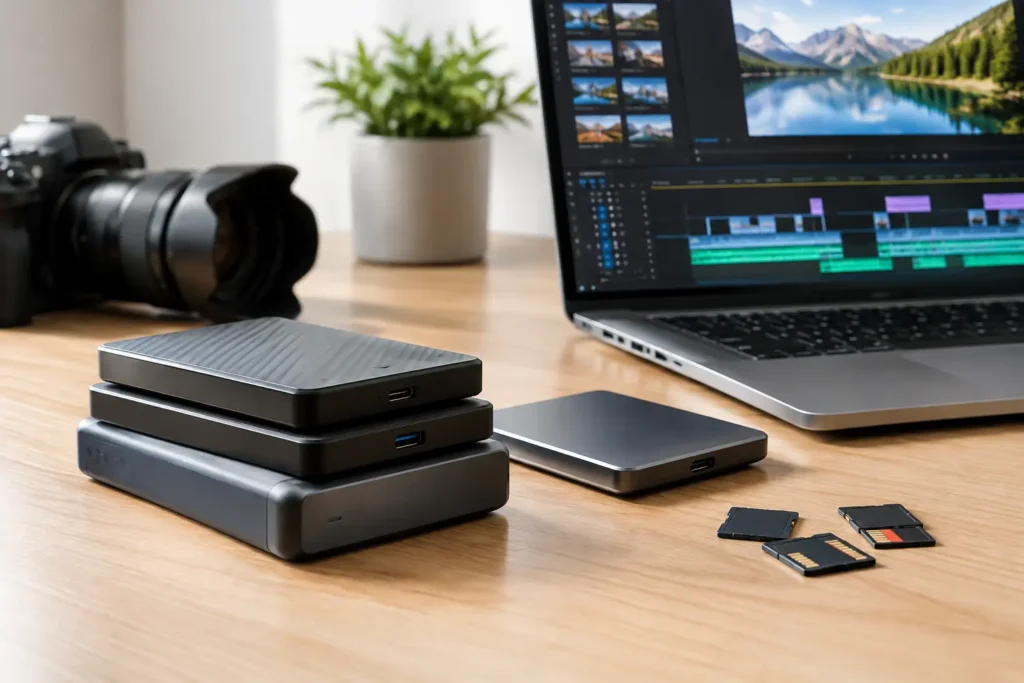
A full camera card is not a backup, and a fast external drive is not automatically the best storage for raw footage. Video files place unusual demands on storage: they are large, need sustained transfer speed, often stay active through multiple rounds of editing, and can represent work that cannot be recreated. The right answer depends on what happens to the footage after it leaves the camera.
For one editor working on short projects, a straightforward SSD-based setup may be ideal. For a production team managing multiple shooters, editors, and years of projects, it may require a shared NAS, a separate backup target, and an offsite copy. No guessing is needed once the workflow, codec, capacity, and recovery requirements are clear.
Start With the Footage, Not the Drive
Storage decisions should begin with the camera format and how the footage will be used. A 4K project recorded in a compressed format has very different storage needs from 6K or 8K RAW, multicamera interviews, high-frame-rate shoots, or image sequences for visual effects work. Resolution gets attention, but bitrate, codec, frame rate, color depth, and the number of simultaneous streams determine how hard the storage system must work.
For example, a drive that performs well while copying clips may still struggle when an editor scrubs several streams of RAW footage while Premiere Pro, DaVinci Resolve, or another application also reads cache files and writes render previews. That is why drive speed on a product box does not tell the whole story. Sustained performance, connection type, drive health, and the rest of the editing system all matter.
Capacity planning matters just as much. Raw footage can consume several terabytes quickly, and the working space required is usually larger than the source media alone. Plan for camera originals, audio, project files, proxies, cache, exports, revisions, and room to work without filling the volume to its limit. A storage device that is nearly full can become slower and harder to manage.
The Best Storage for Raw Footage Uses Tiers
Most professional video workflows work better with separate storage tiers than with one giant drive expected to do everything. Each tier has a job: active editing, shared production storage, archive, and backup.
Fast SSD Storage for Active Projects
For footage currently being edited, NVMe SSD storage is usually the performance tier. Internal NVMe drives provide the best responsiveness for applications, project files, cache, and current media. External NVMe SSDs can also be excellent for field work, transporting active projects, or editing directly from a fast portable drive.
A fast SSD is especially useful for editors working with high-bitrate 4K, 6K, and 8K media, multicamera timelines, RAW formats, or demanding effects. It reduces the wait associated with opening projects, generating waveforms, loading clips, and moving media. It also gives the system room to handle cache and render activity without competing with the operating system drive.
There is a trade-off. SSDs cost more per terabyte than hard drives, and portable SSDs are easy to misplace, damage, or treat as the only copy of a project. They are excellent working drives, but they should not be the entire protection plan.
RAID and NAS Storage for Shared Media
A network-attached storage appliance, commonly called a NAS, is often the right next step for studios, marketing departments, schools, and production teams that need more capacity and shared access. A properly configured NAS can hold active media, completed projects awaiting delivery, and team assets in one managed location.
The network is part of the storage system. A NAS connected through standard 1GbE networking may be adequate for file access, light proxy workflows, and general collaboration, but it can become a bottleneck for multiple editors working with camera-original files. Many video teams benefit from 10GbE networking or faster, matched with workstations, switches, and cabling that can actually use that bandwidth.
RAID is valuable because it can keep a storage system running after a drive failure, depending on the RAID level and the number of disks involved. It is not backup. RAID does not protect against accidental deletion, ransomware, file corruption, theft, fire, or a mistaken overwrite that syncs across the system. It provides availability, not a complete recovery strategy.
For teams, the benefit of a NAS is not simply more drive bays. It is better organization, controlled access, easier collaboration, and a central place to protect business-critical media. The right configuration depends on the number of editors, the expected stream count, the footage format, and whether the NAS will serve as primary storage, nearline storage, or both.
Hard Drives for Archive Capacity
Traditional hard disk drives remain practical for long-term project retention because they provide far more capacity per dollar than SSDs. Once a project is delivered and no longer needs real-time editing performance, it can move from fast SSD storage to a larger hard-drive-based archive.
An archive should be organized well enough to be useful later. Keep the camera originals, final project file, key graphics and audio assets, final master exports, and a simple readme file that explains the project structure and software version. Six months from now, a folder named “FINAL_FINAL_2” will not help anyone locate the correct deliverables.
Archive drives should be monitored and checked periodically. Any drive can fail, including one that has spent most of its life on a shelf. For important work, maintain more than one copy and avoid depending on a single archive disk stored in the same room as the editing system.
Build Backup Into the Workflow
The practical standard is the 3-2-1 approach: keep at least three copies of important data, on two different types of storage, with one copy offsite. For raw footage, this can look like the active project on an editing SSD or NAS, a local backup on a separate storage system, and an encrypted offsite copy through cloud backup or another physical location.
The most overlooked part of backup is verification. A job that says it completed is not proof that every file can be restored. Test restores on a regular schedule, especially before wiping camera cards or retiring a project from active storage. If recovery has never been tested, the backup plan is still an assumption.
Consider the time required to restore, too. Downloading dozens of terabytes from an offsite service may be unrealistic when a deadline is close. A local backup offers faster recovery, while an offsite copy protects against a larger disaster. They solve different problems and work best together.
Match Connections to Real Performance Needs
Storage performance can be limited by the slowest link in the chain. A fast external SSD connected to an older, slower port will not reach its advertised speed. A 10GbE NAS will not help much if the editing workstation has only a 1GbE network connection. USB, Thunderbolt, Ethernet adapters, switches, cables, and workstation expansion options all need to be selected as a system.
For a single editor, direct-attached storage through a high-speed USB or Thunderbolt connection can be simple and effective. For multiple editors, shared NAS storage with 10GbE networking is often easier to manage and more scalable. For mobile crews, portable SSDs may be necessary in the field, with footage transferred to primary storage and backed up as soon as the team returns.
Avoid buying storage solely around peak benchmark numbers. Ask how many editors will work at once, whether they need to edit original media or proxies, how much footage arrives per month, and how quickly a failed drive or lost folder must be recovered. Those answers point to the right design.
A Sensible Starting Point for Common Workflows
An independent editor working mostly in 4K may be well served by an internal NVMe drive for applications and cache, a second SSD for active media, and a larger external or NAS-based hard-drive system for backup and archive. This setup keeps current work fast without making every terabyte expensive.
A small production team usually benefits from central shared storage. A NAS with enough bays for capacity and fault tolerance, 10GbE networking, and a separate backup destination can keep media accessible without passing drives between editors. If projects involve high-resolution RAW, heavy multicamera editing, or color grading directly from shared storage, the NAS and network should be designed around those workloads rather than chosen by capacity alone.
Larger organizations may need permissions, redundant power, remote access controls, documented retention policies, and a recovery plan that meets operational or compliance requirements. Government, education, and research environments can also have specific purchasing and security standards that influence the right hardware choice.
Storage should support the work, not become another production problem. Sandia Computers designs video workstations, NAS appliances, and backup systems around the media, the applications, and the people using them, so the configuration is done right the first time. The best next step is to map one real project from camera ingest through final archive, then build the storage plan around every point where that footage needs to be fast, available, and protected.
