
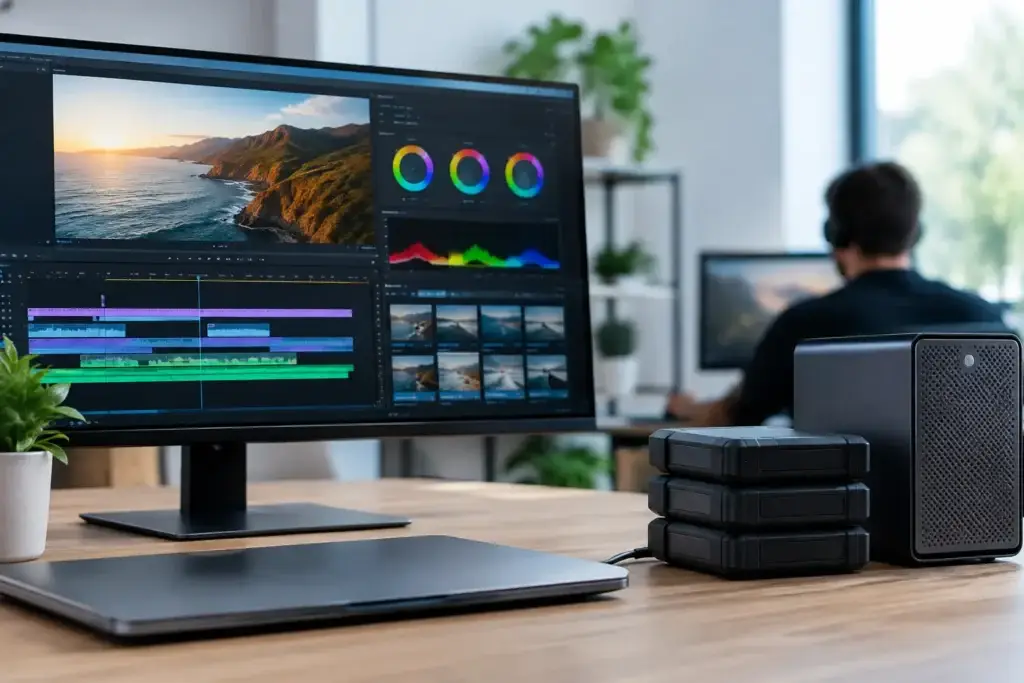
A full production day can come to a stop over something as ordinary as a folder. In this post production storage case study, a growing video team had powerful editing workstations, capable editors, and plenty of client work. What it did not have was storage designed for people who needed to access the same media at the same time.
The result was familiar: copied footage scattered across local drives, editors waiting for transfers, projects that opened with missing media, and a backup process everyone hoped was running. The team did not need more random hard drives. It needed a storage plan built around how post production actually happens.
This is a representative workflow scenario based on the storage problems creative teams commonly bring to a custom systems integrator. The hardware choices will vary by team, codec, camera format, and budget. The planning process should not.
The problem: fast workstations, slow collaboration
The team consisted of four editors, a producer, and a motion graphics artist. They produced short-form campaigns, interviews, product videos, and occasional multi-camera events. Their workstation performance was solid when an editor worked from a local SSD. Collaboration was the weak point.
Active projects lived on a mix of USB drives, desktop external drives, and a small network-attached storage device that had been purchased years earlier for office files. When a new editor joined a project, someone copied a project folder to another drive. When a producer needed to review a cut, the editor exported a file and uploaded it. When the team needed an older asset, finding the current version could take longer than recreating it.
The old NAS was not necessarily defective. It simply was not sized or configured for multiple video workstations reading and writing high-bitrate media. A storage appliance can have many drive bays and still perform poorly for post production if its network connection, processor, memory, drive layout, and switching infrastructure do not match the workload.
The team also had a risk problem. Their so-called backup was an occasional copy to another external drive. That drive often remained in the same building and was not consistently checked. Drive redundancy in the NAS provided some protection against a single disk failure, but redundancy is not a backup. It cannot recover a deleted folder, a corrupted project, ransomware, theft, fire, or a failed enclosure.
Starting with the workflow, not a drive count
Before selecting storage, the right questions are practical. How much footage arrives in a typical week? Which formats are edited directly? How many people need concurrent access? Does the team use proxy workflows? Are projects retained for months, years, or permanently? How quickly must a project be restored after an error or hardware failure?
For this team, the answers revealed three distinct storage needs. First was fast shared active storage for current productions. Second was lower-cost nearline storage for completed projects that might return for revisions. Third was a separate backup target that could recover the business when something went wrong.
That separation matters. Trying to make one inexpensive box serve as editing storage, archive, and backup usually creates compromises everywhere. Active media needs throughput and predictable access. Archive storage prioritizes capacity and organization. Backup storage prioritizes recoverability, retention, and separation from the production environment.
The team also needed to measure real media demands instead of relying on a generic claim that a NAS was “fast enough.” Editing one compressed 4K stream is very different from handling several editors, multicamera timelines, cache files, graphics assets, and background transfers at once. RAW, uncompressed, and high-frame-rate formats raise the requirement further.
The post production storage case study design
The proposed design centered on a purpose-built NAS appliance with a drive configuration selected for both capacity and performance. It was connected to the editing area through a 10GbE network, using a properly matched switch and 10GbE adapters in each workstation. That network decision was as important as the storage appliance itself.
A 1GbE connection may be acceptable for office documents, basic sharing, and some proxy-based workflows. It becomes a bottleneck quickly when several users work with camera originals. The team did not need to jump automatically to the most expensive networking standard, but it did need more bandwidth than its existing office network could provide.
The active volume used protected disk storage with enough usable capacity to hold current projects, working files, and reasonable growth. SSD cache was considered, but not treated as a cure-all. Cache can help certain patterns of small-file access and metadata activity. It does not replace adequate network bandwidth, sufficient hard drives, or a storage platform capable of serving multiple creative users.
Each workstation retained a fast internal NVMe SSD for applications, operating system files, temporary renders, and local cache. That is a useful division of labor. Shared storage holds the media and project assets the team needs to access together, while each workstation handles its own high-speed scratch activity locally when the application supports it.
The system also established consistent project folders and permissions. That may sound less exciting than 10GbE networking, but it eliminated a major source of confusion. Every job followed the same structure for source media, project files, exports, graphics, audio, and deliverables. Editors stopped guessing which folder was current because there was one shared location for active work.
Building protection into the workflow
The backup plan followed a simple principle: a copy is only useful if it can be restored. The team scheduled automated backups from active storage to a separate backup system. Completed projects were also replicated to an offsite destination, giving the business protection from an event that affected the studio itself.
Retention was planned intentionally. The team kept multiple versions rather than only the most recent copy. If someone accidentally deleted a folder on Monday and the issue was discovered two weeks later, a backup that overwrote itself every night would not help.
The team also scheduled restore testing. This is where many backup strategies fail in practice. A backup job can report success while a restore is incomplete, too slow, or missing a critical folder. Periodically restoring a project, opening it on an editing workstation, and confirming that the expected media is available turns an assumption into evidence.
There were trade-offs. Keeping every camera original online forever would have been convenient, but expensive. Moving every project to archive storage immediately would have saved money, but made revisions slower. The agreed policy kept active jobs on high-performance shared storage for a defined period, moved completed work to nearline archive, and preserved protected backup copies according to client and business requirements.
What changed after the move
The most noticeable improvement was not a benchmark number. It was that the team stopped organizing its day around file transfers. Editors opened the same project structure, producers could find current exports, and new team members could be brought into a job without someone hunting for the right drive.
Media was no longer tied to a specific desk. If an editor’s workstation required service, another properly configured workstation could access the active project. That reduced downtime and made the production process less dependent on any one person or machine.
The team also gained a clearer capacity picture. Instead of discovering a full drive in the middle of an ingest, it could monitor active storage, archive growth, and backup completion. Capacity planning became a scheduled business decision rather than an emergency purchase.
That does not mean every post production team needs the same architecture. A solo editor working primarily with proxies may be well served by a smaller NAS and direct-attached scratch storage. A facility with many color bays, high-resolution RAW footage, or shared finishing sessions may need faster networking, all-flash storage, or specialized shared-storage software. The correct answer depends on the workload, not on a single specification.
Questions to answer before buying storage
A useful storage conversation starts with the details that affect daily work: number of simultaneous users, source formats, expected project size, required retention, backup window, available network infrastructure, and realistic growth over the next several years. It should also account for the applications in use. Adobe Premiere Pro, DaVinci Resolve, Avid Media Composer, After Effects, and other tools can create different patterns of media access, cache activity, and project collaboration.
This is where a consultative build process pays off. Sandia Computers can evaluate the workstations, networking, storage, and protection plan as one environment instead of treating a NAS as an isolated purchase. The goal is no guessing, fewer avoidable bottlenecks, and a system that has been tested before it becomes part of a deadline-sensitive production schedule.
The best time to address storage is before the next major shoot fills the last available drive. Start with one current project, trace where its media travels, identify where people wait or duplicate files, and decide what would happen if that project disappeared today. That conversation usually makes the next step clear.